
Photo
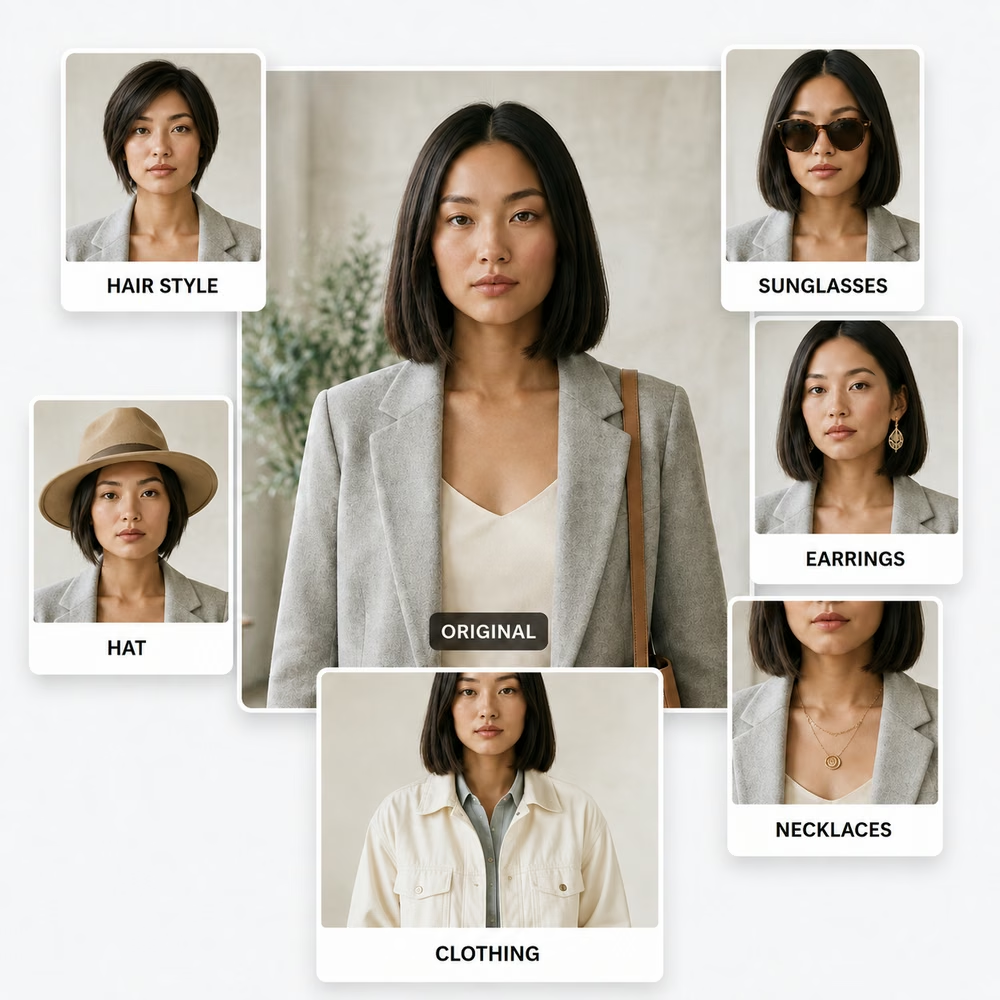
The customer's original photograph is the identity anchor.
How It Works
CMEINIT begins with the customer, connects that person to products a participating business actually sells, and creates a visual answer to a simple question: What will this look like on me?
The Customer Journey
The technology stays behind the experience. The customer should not need to build an avatar, write a prompt, or learn an AI tool.
The customer's original photograph is the identity anchor.
Browse products from the participating Vendor's actual catalog.
Select the item or service the customer wants to consider.
Choose the relevant color, style, size, material, or other option when available.
Generate the visual experience and continue toward choosing, booking, or buying.
The Standard
CMEINIT is not an avatar creator. The goal is to preserve the person's identity and overall appearance while changing only what is necessary to show the selected product or experience.
The result should feel like “that’s me wearing the thing,” not a new person who happens to resemble the customer.
The visual experience is connected to products the business actually offers rather than a collection of generic AI examples.
Hair, eyewear, earrings, necklaces, hats, and clothing each require different visual handling. CMEINIT adapts to the product.
Already a CMEINIT business?
Workspace access is issued by CMEINIT. There is no public account signup, and only assigned live tools are launchable from the business account.